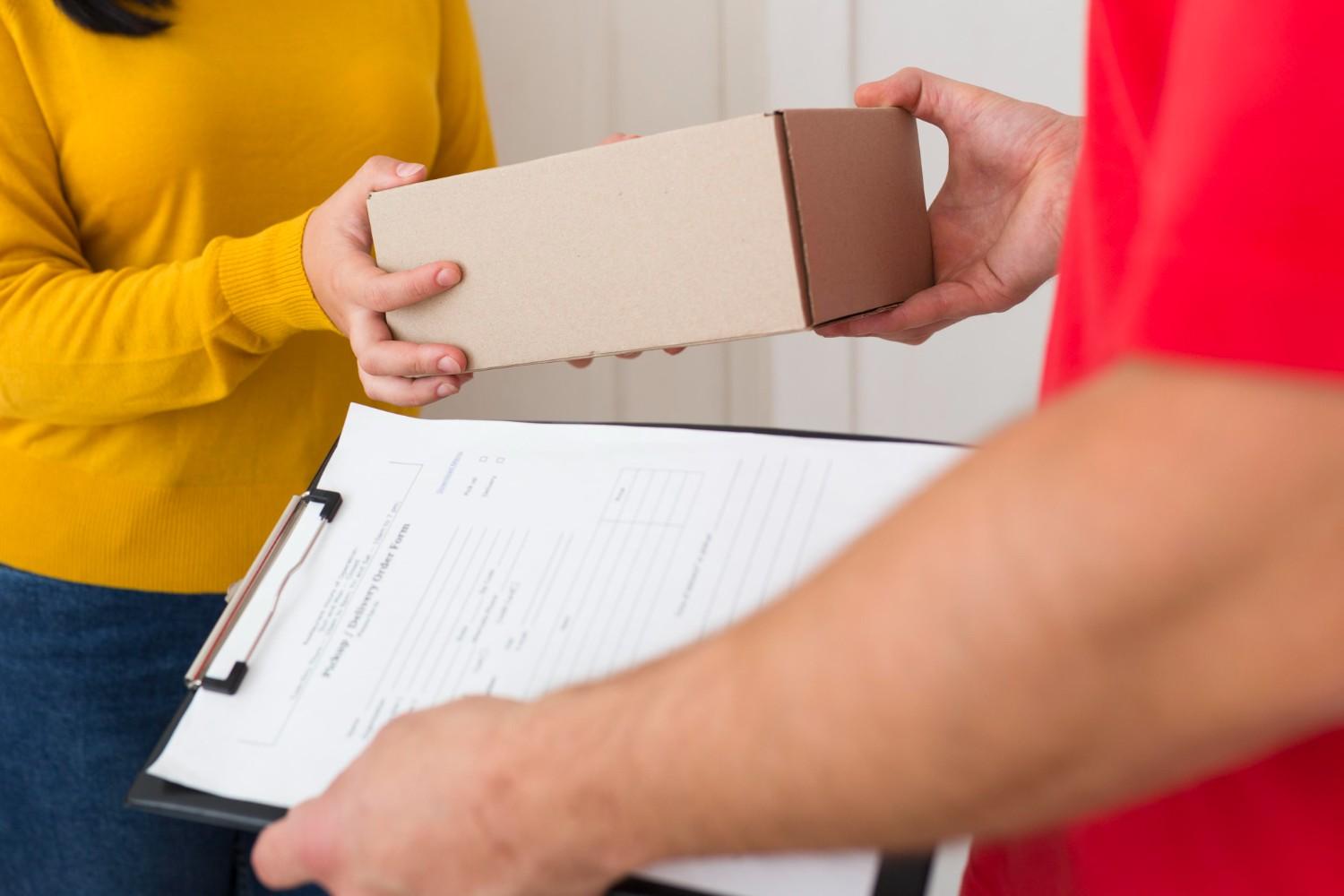







How to Return a Package Without a Printer
Returning an online order shouldn’t be stressful because you don’t have a printer. Whether you’re working from home, traveling, or simply out of ink, USPS makes it easy to get a shipping label for your package. You can complete a return easily using two main options: the USPS Label Broker service and the USPS Label Delivery service.
Let’s take a closer look at how to return a package without a printer and the simplest ways to get your USPS return shipping label.
1. Print Your Return Label for USPS Using Label Broker
The USPS Label Broker service is one of the most convenient ways to print a USPS return shipping label when you don’t have a printer. This service allows you to have a shipping label printed for you at a participating Post Office location.
Here’s how to use it:
- Start your return process through the merchant’s website. If they support this feature, they will email or text you a Label Broker ID.
- Save the Label Broker ID or barcode on your phone, or write down the ID number.
- Pack your shipment securely and take it to a Post Office that offers Label Broker services.
- Show your Label Broker ID to a postal clerk or scan it at a self-service kiosk.
Once scanned, USPS prints the label for you instantly. Attach it to your package, and it’s ready to ship. Here are a few important details about this service.
A Note on Click-N-Ship and Outbound Mail
It is important to clarify that the standard USPS Click-N-Ship service, used for creating your own outbound shipping labels, requires you to print the label yourself. The Label Broker code feature is not currently available for individuals creating outbound shipments through the Click-N-Ship website.
This printer-less option is designed primarily for returns. E-commerce sellers can integrate specific USPS services so their customers can get a return label for USPS without needing a printer, which is a great customer service feature.
Self-Service Kiosk Printing
At many USPS locations, self-service kiosks allow you to print your label independently. Simply scan your Label Broker ID or enter the number at the kiosk screen: the screen will guide you through the USPS return label print process. After printing, attach the label to your package and drop it in the designated bin or hand it to a postal clerk.
2. Use the USPS Label Delivery Service (Paid Option)
For those who prefer to skip the Post Office altogether, the USPS Label Delivery service offers a paid alternative. Through this service, USPS will mail a physical, pre-printed shipping label to an address.
It’s important to clarify that USPS Label Delivery is not available for prepaid return labels unless the service is specifically offered and initiated by the merchant. It’s a feature businesses primarily use to send outbound shipping labels or to provide return solutions for their customers.
For customers, these printer-less options are a welcome convenience. For e-commerce business owners, providing this level of service isn’t simply a nice-to-have; it’s a powerful way to build loyalty and reduce friction in the returns process.
Simplify Your Returns Process with GrandShipper
Efficient returns are essential to keeping customers happy and business operations smooth. GrandShipper offers one of the best e-commerce shipping solutions for SMBs, helping businesses manage deliveries and returns with ease. Enjoy below-commercial rates for both domestic and international shipments, with no volume or spending requirements.
To get started, sign up online or contact our team to learn how GrandShipper can simplify your shipping and returns processes.
GrandShipper: Your Hub for Discounted USPS Priority Mail Labels
GrandShipper is a free, web-based platform that acts as your specialized hub for USPS shipping. It allows you to manage all your USPS Priority Mail label needs and provides immediate access to Below Commercial Rates with no volume commitments. You effectively receive your USPS shipping labels for free on the platform itself, paying only for postage.
Ready to cut costs and save time? Sign up with GrandShipper today or fill out our online contact form to connect with our team.